

Calls · Chat · Text Wherever work takes you.
SolSwitch Connect turns any phone, tablet or computer into your business line. Make crystal-clear calls, message your team, and text customers from your business number - all from one app.
- Mobile & desktop apps
- SMS/MMS texting
- IM & group chats
- HD video calling
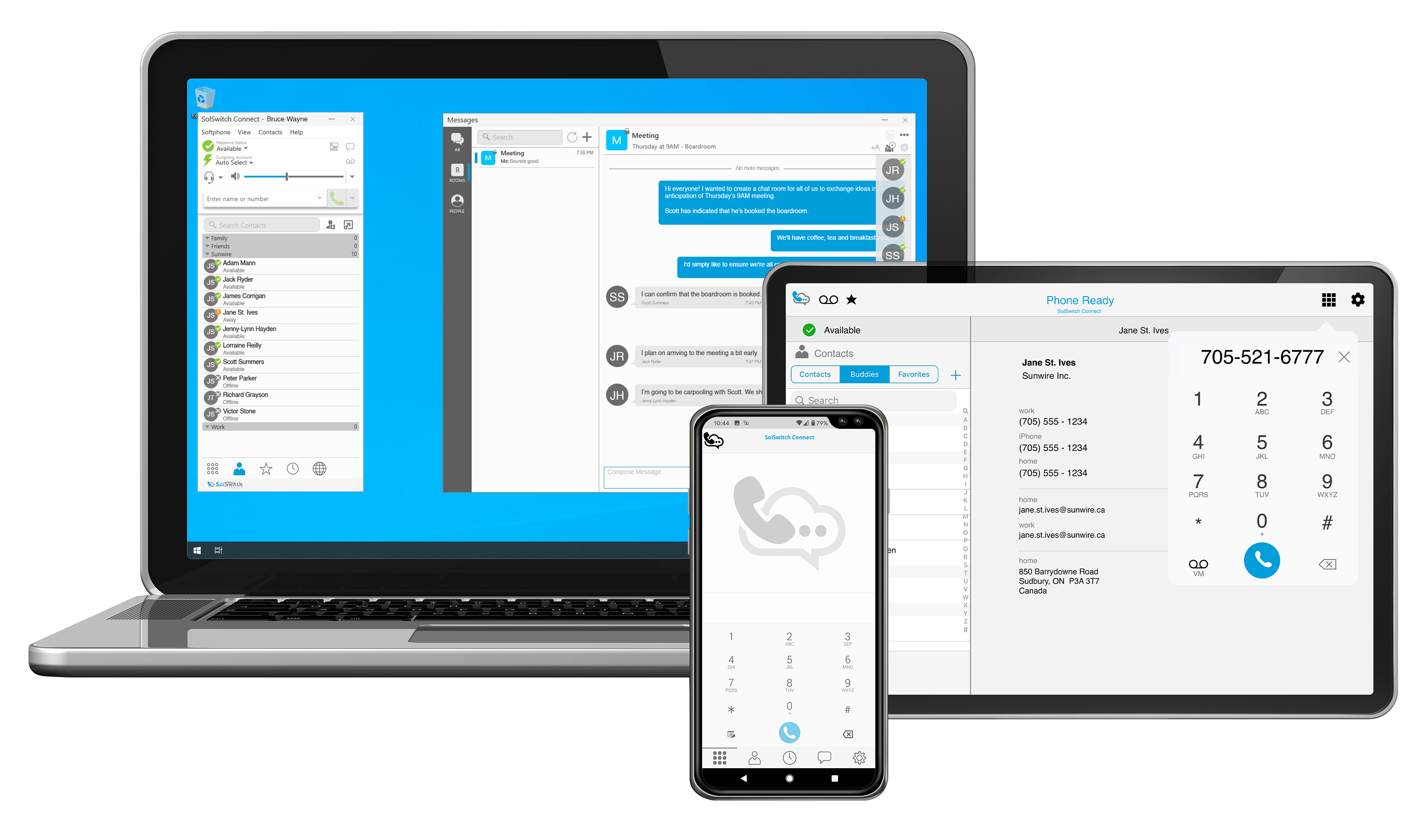
SSC AT A GLANCE
See SolSwitch Connect in Action
One app that replaces your desk phone - here's what your team gets on day one.
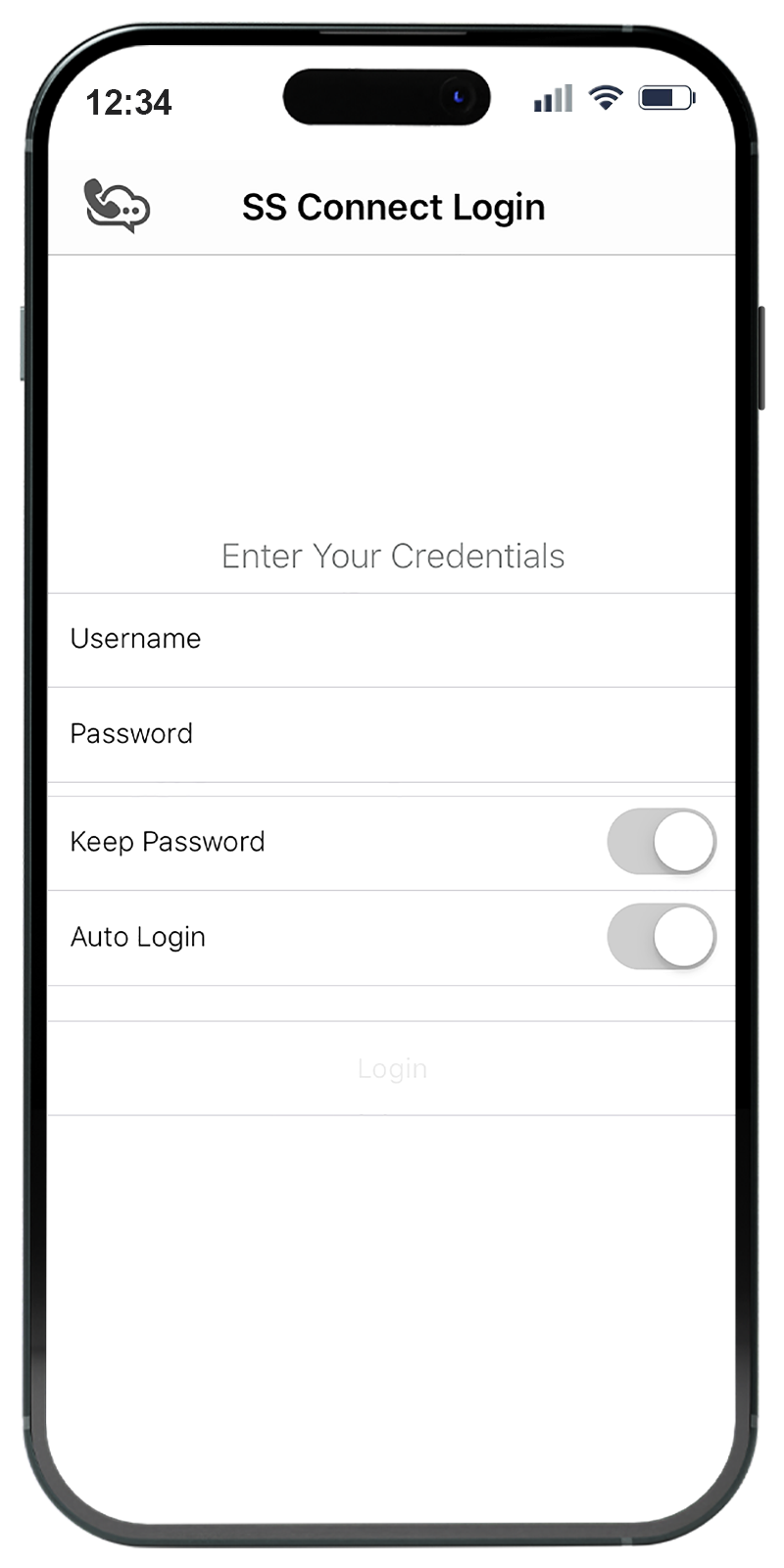
Mobile & Desktop
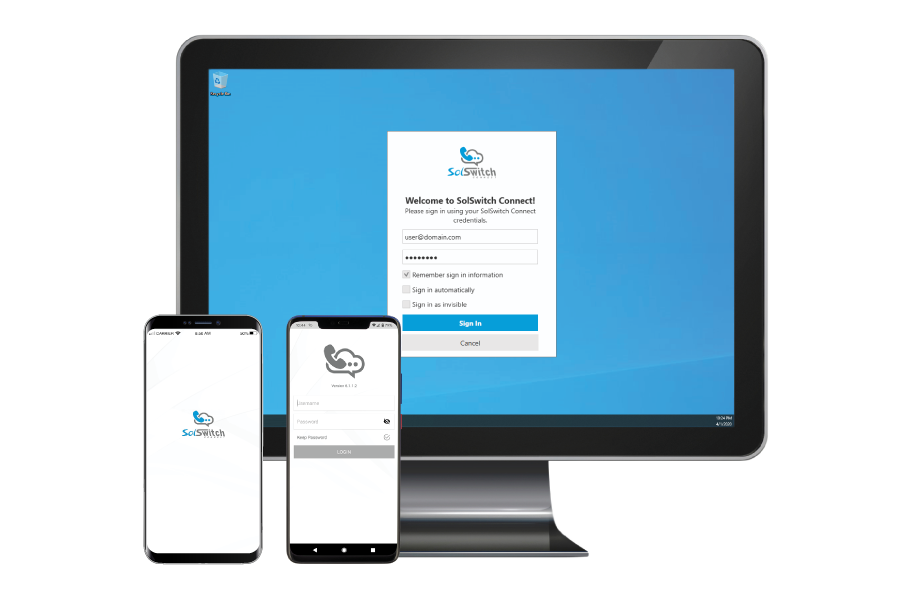
Available on Mac and Windows as well as iPhone and Android. Log in once with a username and password and your business line follows you from your desk, to home, to the field.
iOS & Android apps
Windows & macOS desktop apps
Mobile push notifications
No desk phone required
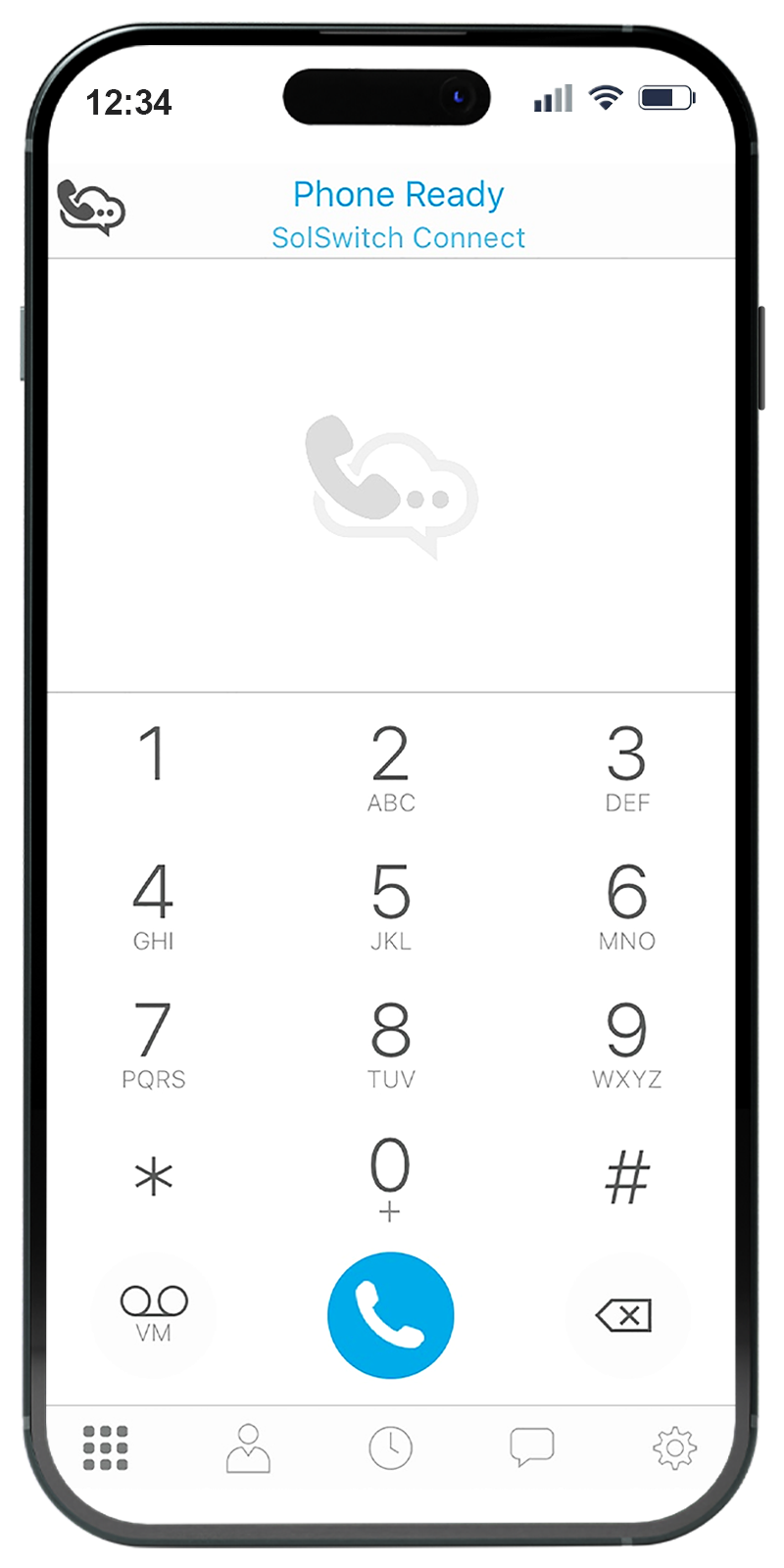
Full Softphone Capabilities
Make crystal-clear VoIP calls just like you were using your desk phone. Accounts are provisioned remotely, so users simply log in and start calling.
Inbound & outbound calling
Full SolSwitch phone features
Remote provisioning
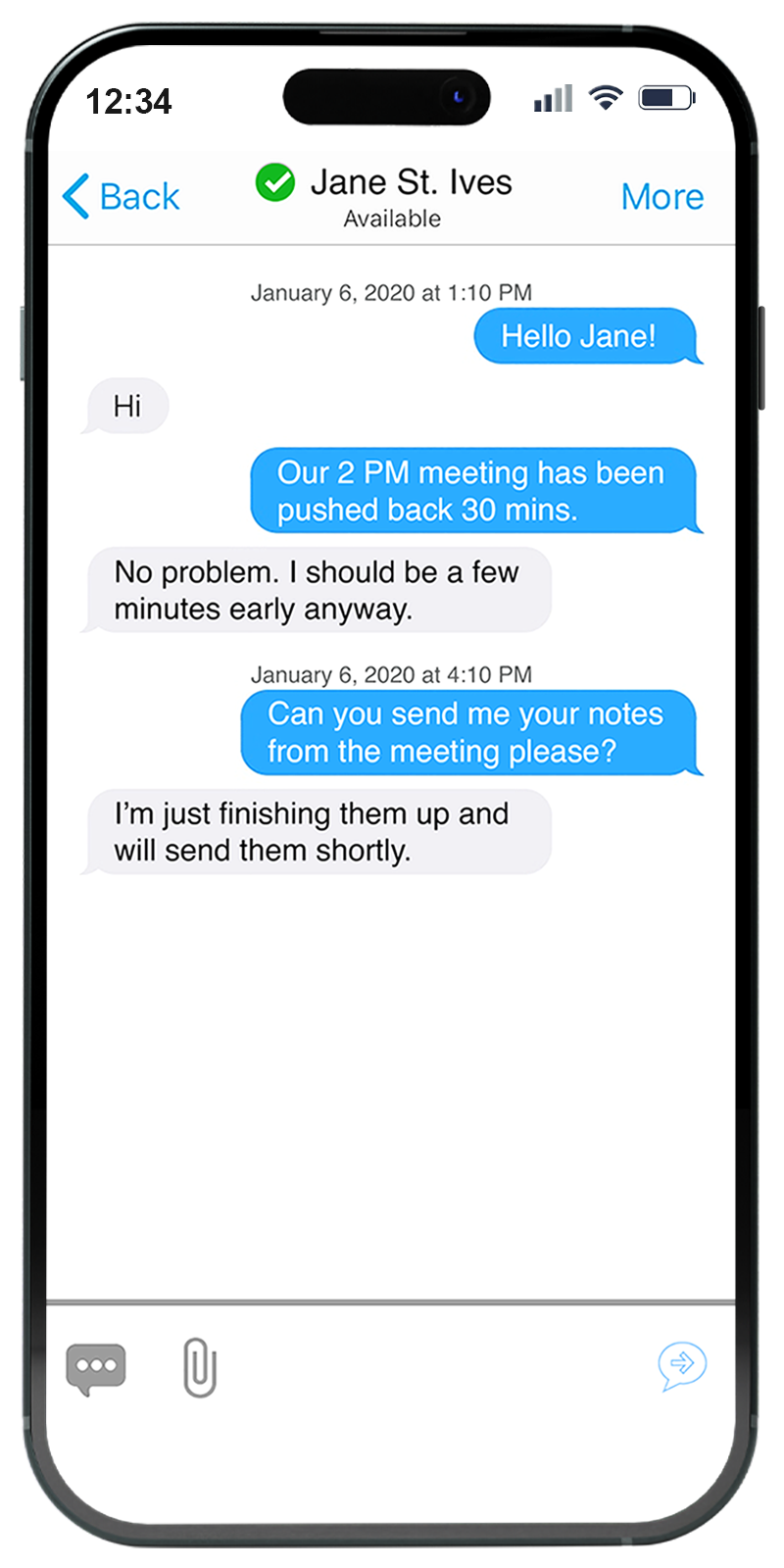
Business Texting (SMS/MMS)
Engage your audience and extend your reach by texting customers directly from your business telephone numbers - send and receive right inside the app.
Text from your business number
Real-time client conversations
Improve customer service
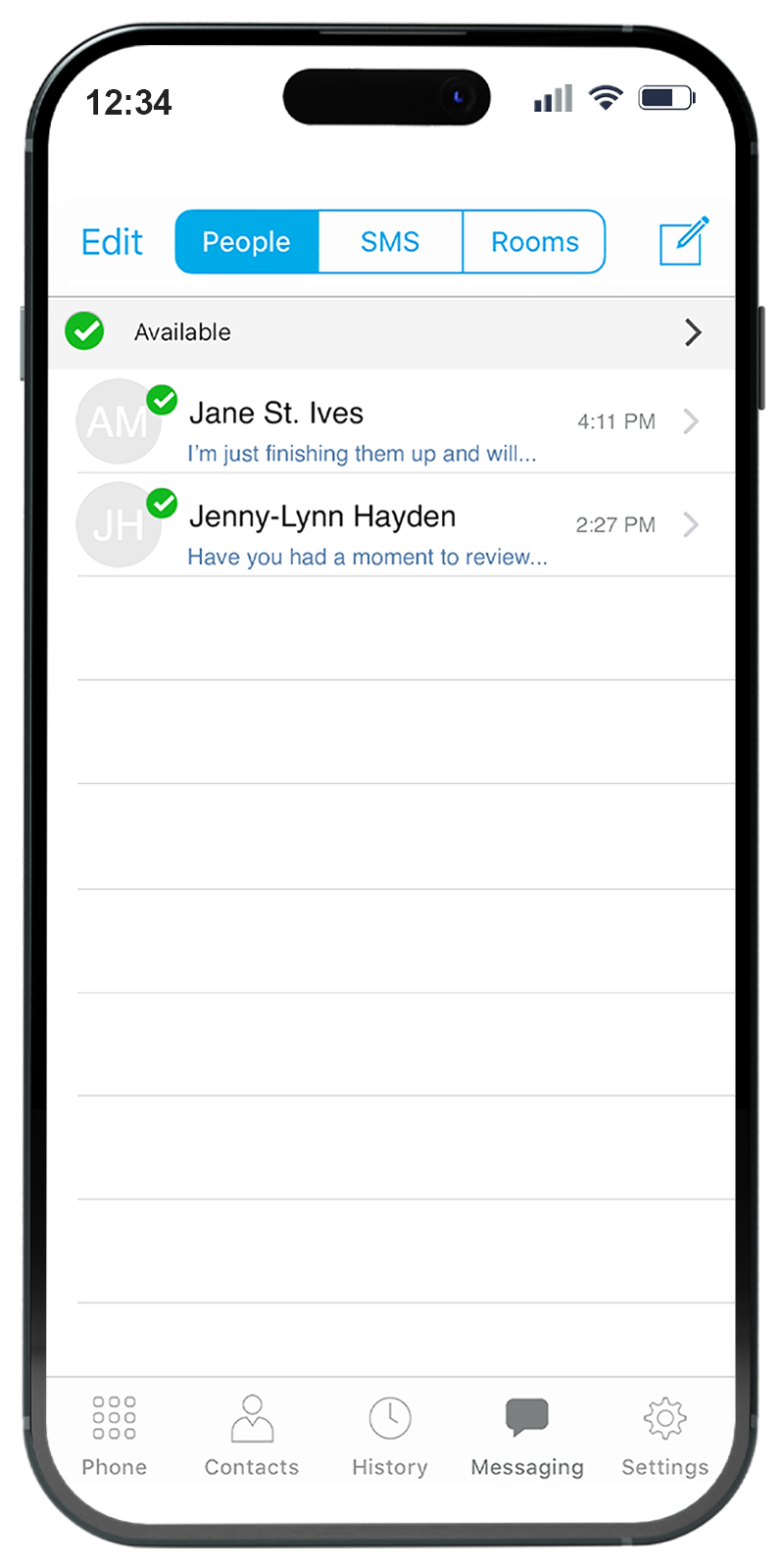
IM & Group Chats
Avoid strings of email chains. Chat and share ideas with colleagues 1-on-1, or spin up a private or public channel to make everyday work conversations effortless.
1-on-1 instant messaging
Channel-based group chats
Share files & ideas instantly
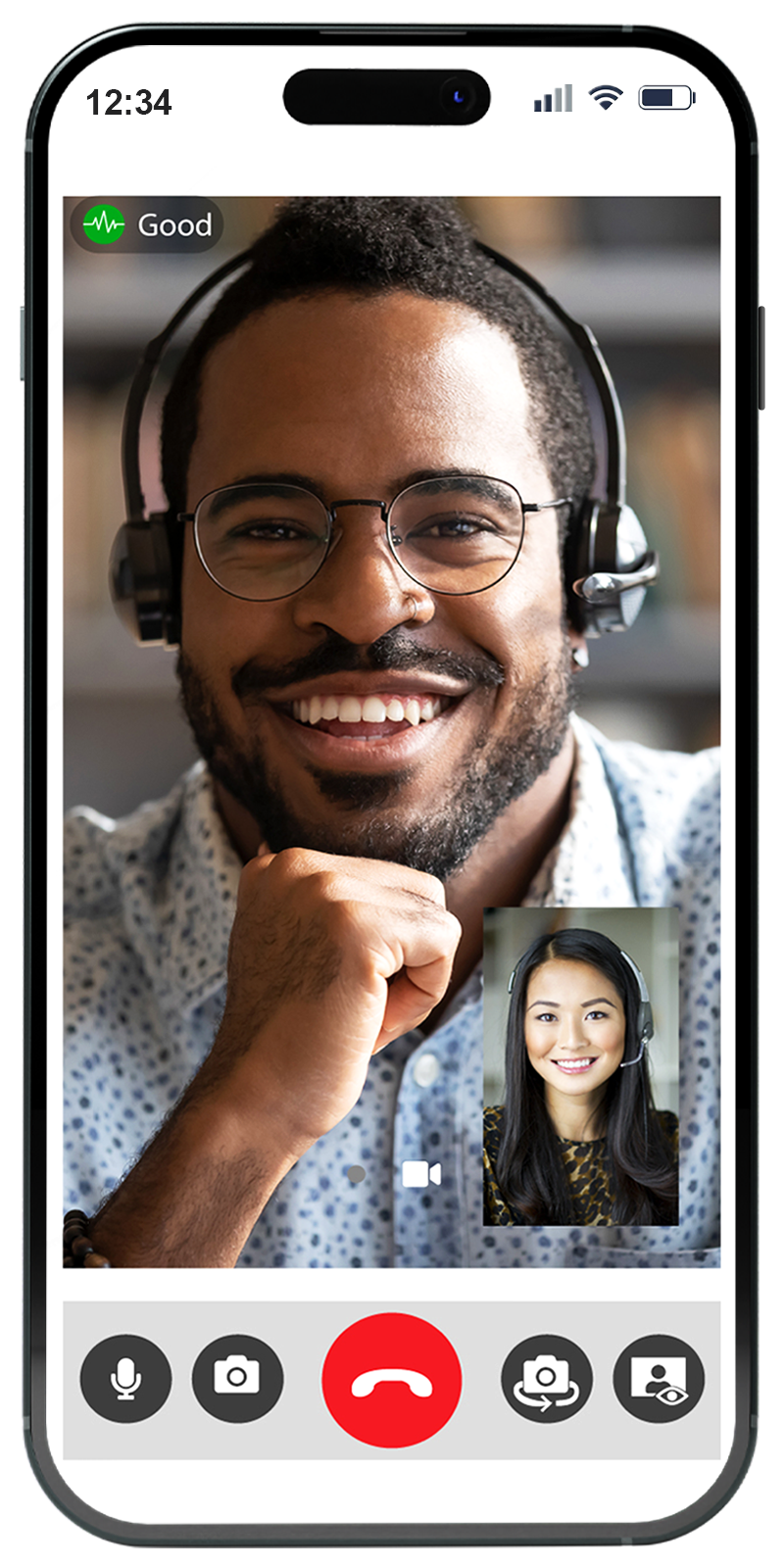
HD Video Calling
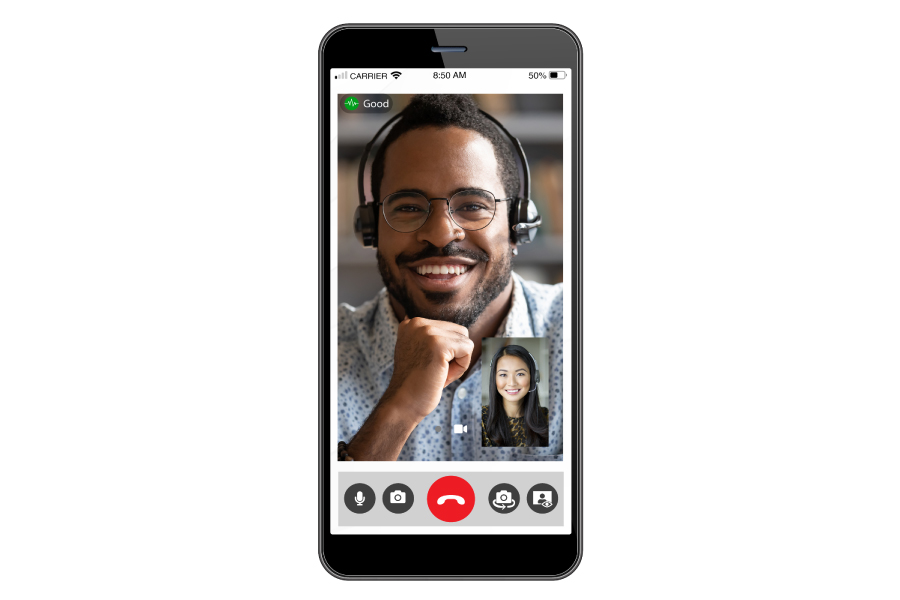
Have face-to-face conversations with your team while out of the office with the built-in HD video call feature.
HD one-to-one video
Works on mobile & desktop
Stay connected on the go
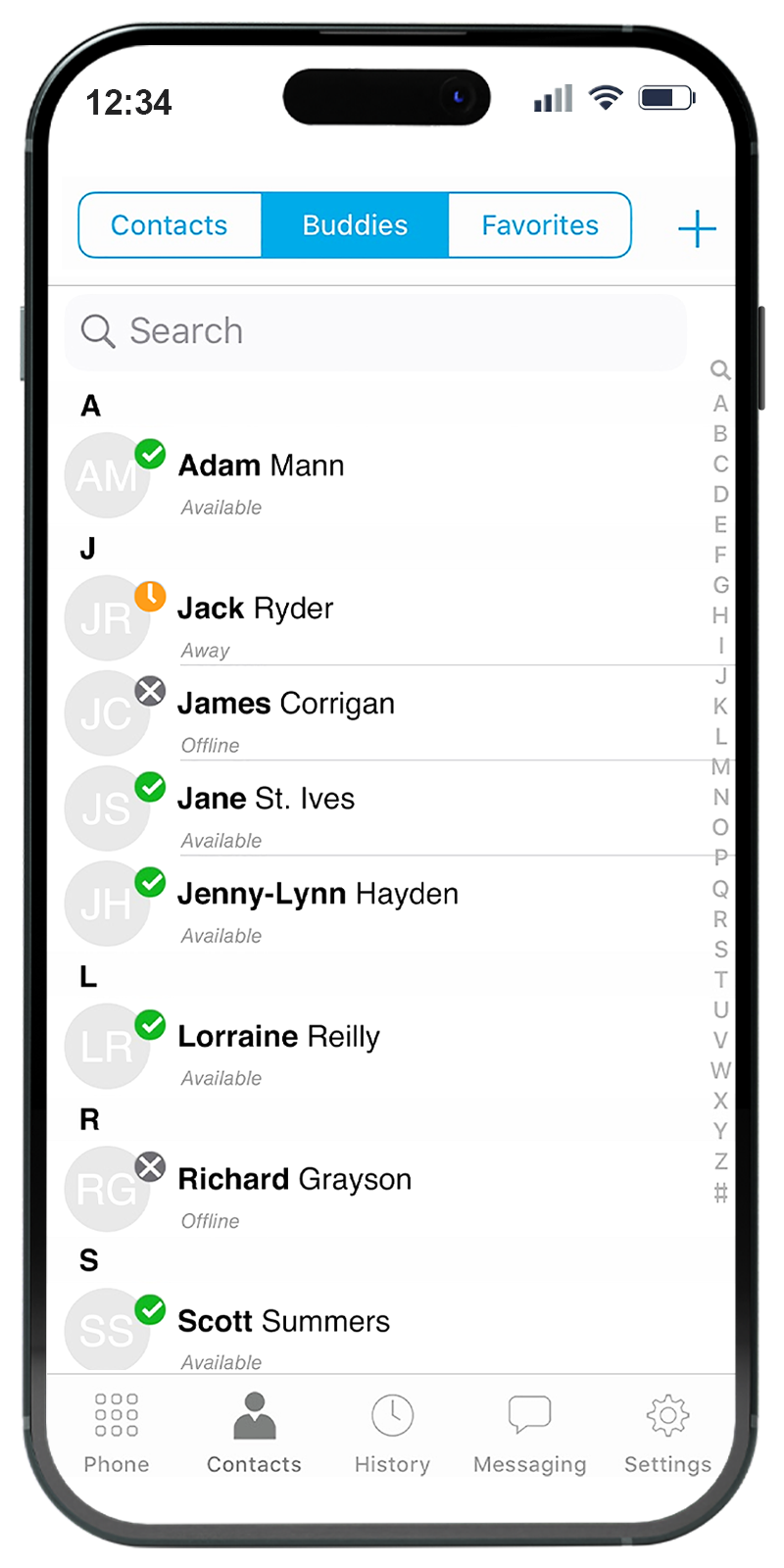
Real-time Live Presence
Your directory shows each contact's availability with status and click-to-call. Quickly see who's online, away, offline or available for a call transfer.
Live availability status
Click-to-call from the directory
Know who's free for transfers
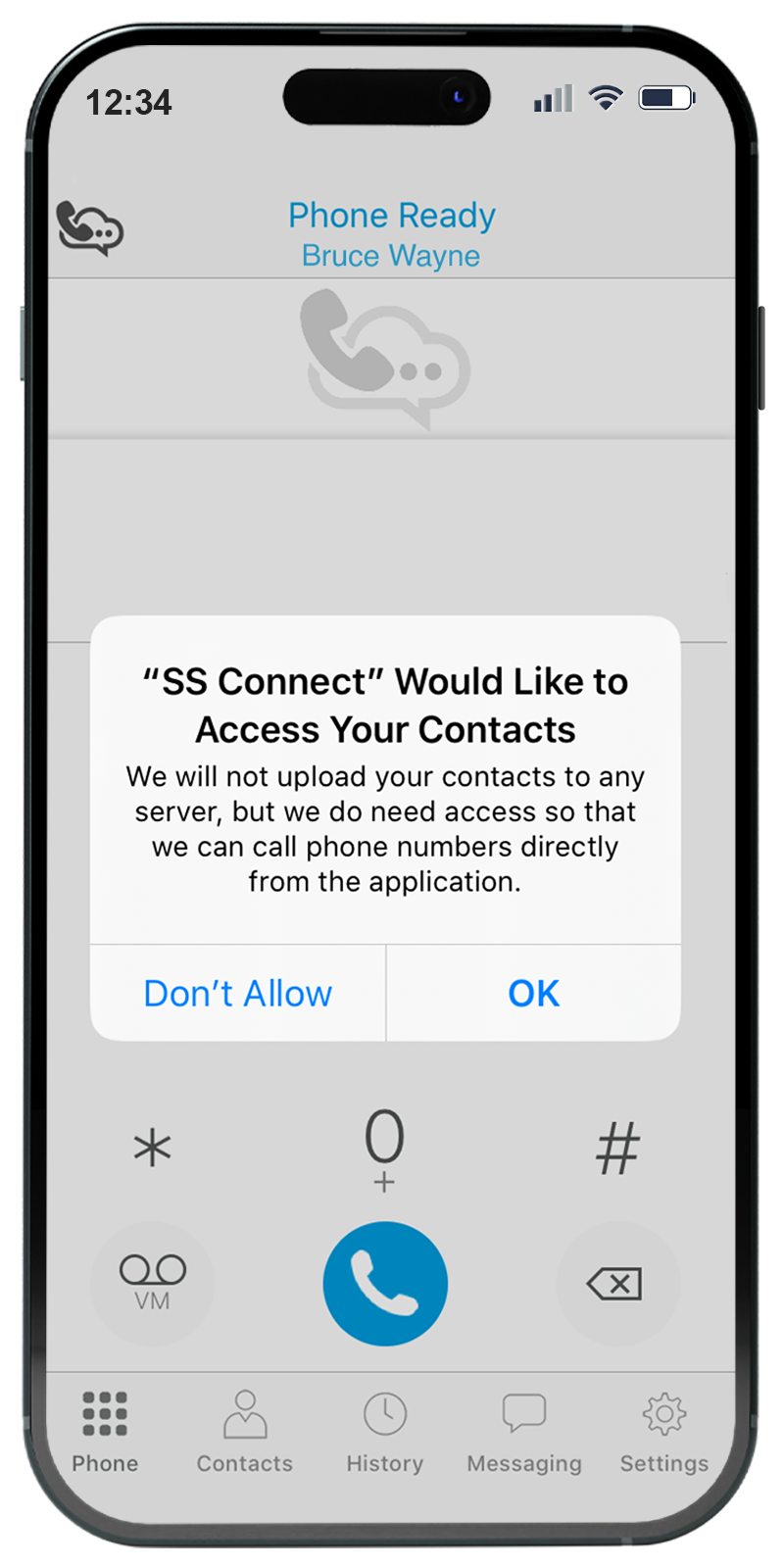
Contact Importing
Bring all of your existing contacts into SSC from your desktop software or mobile device - no manual re-entry required.
Microsoft Outlook (Windows)
LDAP & Active Directory
Mac Address Book
Advanced Phone Features
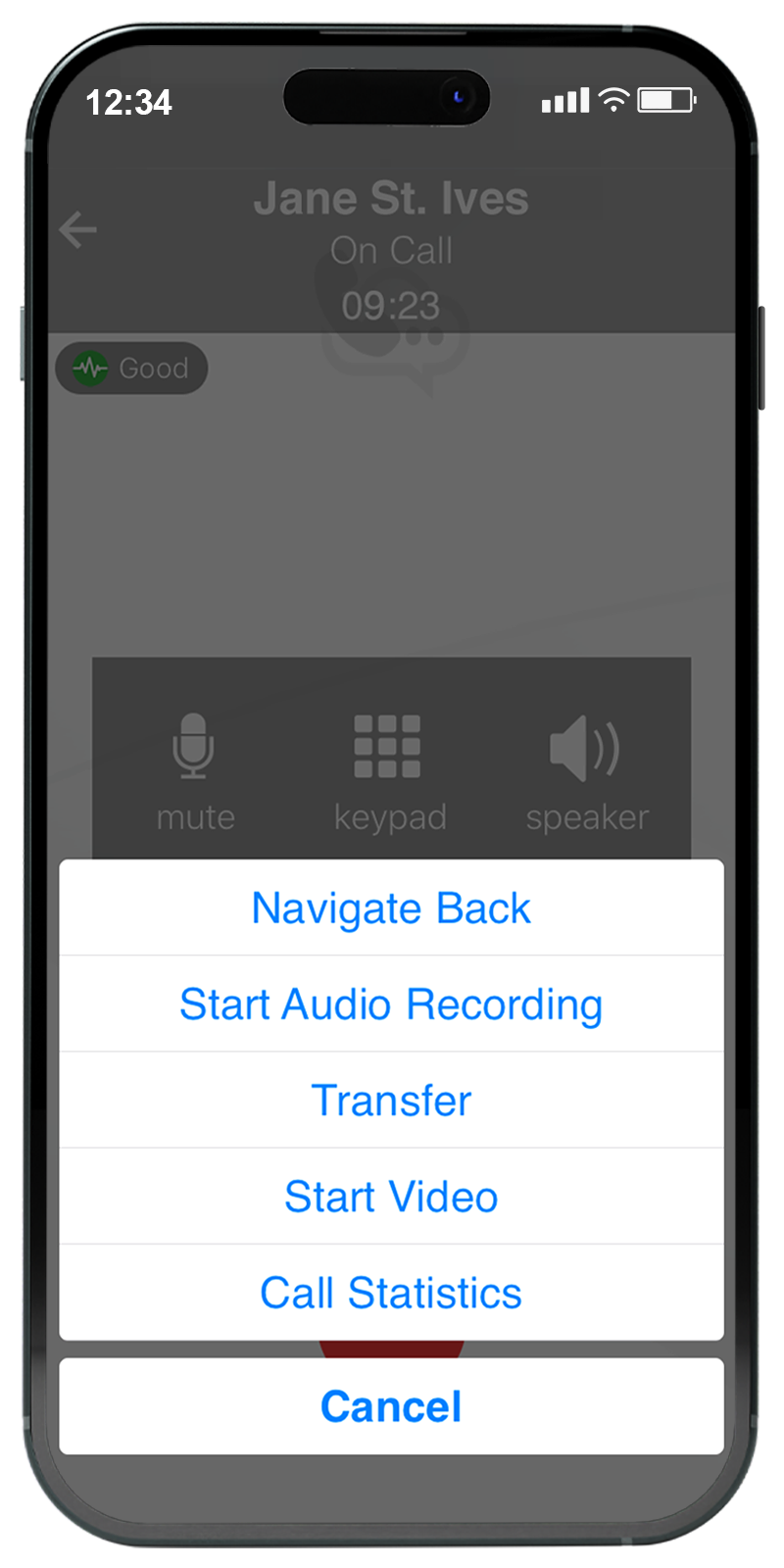
SSC supports a long list of features - call transfer, forward, hold and park, click-to-dial, auto-answer and SolSwitch star-code support - plus your own USB or Bluetooth headset.
Transfer, forward, hold & park
Click-to-dial & auto-answer
SolSwitch star-code support
USB & Bluetooth headsets
PRICING
SolSwitch Connect Plans
Flexible options for your organization - priced per user, per month.
STANDARD
/mo. per user
Full softphone calling on every device.
Mobile and desktop versions
Inbound & outbound calling
SolSwitch phone features
IM and group chats
Text messaging (SMS/MMS)
STANDARD PLUS
/mo. per user
Everything in Standard, plus messaging.
Mobile and desktop versions
Inbound & outbound calling
SolSwitch phone features
IM and group chats
Text messaging (SMS/MMS)
ENTERPRISE
Custom & Bulk Licensing
Custom plans for larger teams.
We offer custom plans and solutions for bulk licensing.
Reach out to a Sales Representative to learn more.
DOWNLOAD THE SOLSWITCH CONNECT INFOSHEET
Get the full feature breakdown, system requirements and plan details in a printable PDF.
WHY SOLSWITCH CONNECT
One app to connect your whole team.
Everything a modern, mobile workforce needs to stay in touch.
Mobile & Desktop
Available on Mac and Windows as well as iPhone and Android devices.
SMS/MMS Texting
Improve customer service with real-time texting between staff and clients.
Interoffice Chat
Increase collaboration with instant messaging on any device.
Remote Workers
Easily transition from your desk, to your home, to the field and back again.
No Desk Phone
Eliminate the need for a physical desk phone by using SolSwitch Connect.
Scalable
Whether you're a startup, small business or enterprise, we grow with you.
FEATURES & FUNCTIONALITY
A closer look at what SSC can do.
Take total control and customize your softphone to meet your needs.
SOFTPHONE
Fully-Functional Softphone
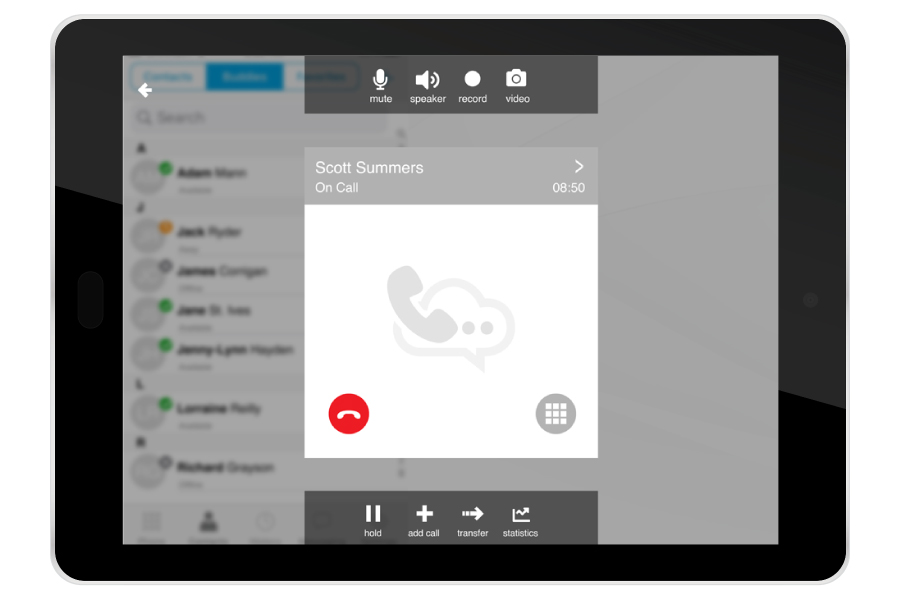
Make high-quality VoIP calls just like you were using your desk phone. Accounts are provisioned remotely, so end-users simply log in with a username and password, then start calling and chatting.
- Call transfer, forward, hold & park
- Click-to-dial and auto-answer
- SolSwitch star-code feature support
VIDEO
HD Video Calling
SolSwitch Connect lets you have face-to-face conversations with your team while out of the office with the built-in HD video call feature.
TEXTING
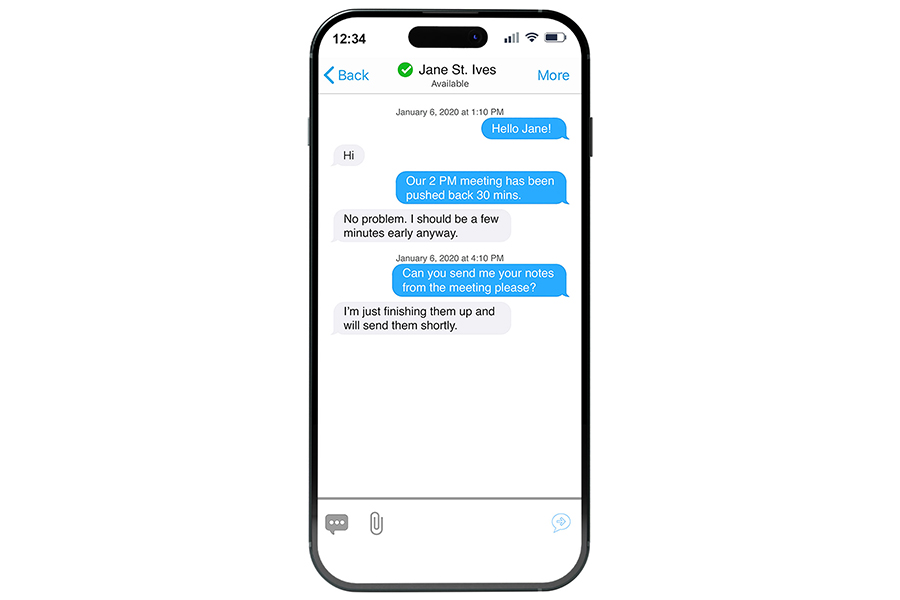
Business SMS Texting
Use SolSwitch Connect to engage your audience and extend your reach by interacting with customers via text messaging.
Instantly send and receive texts from your business' telephone numbers.
COLLABORATION
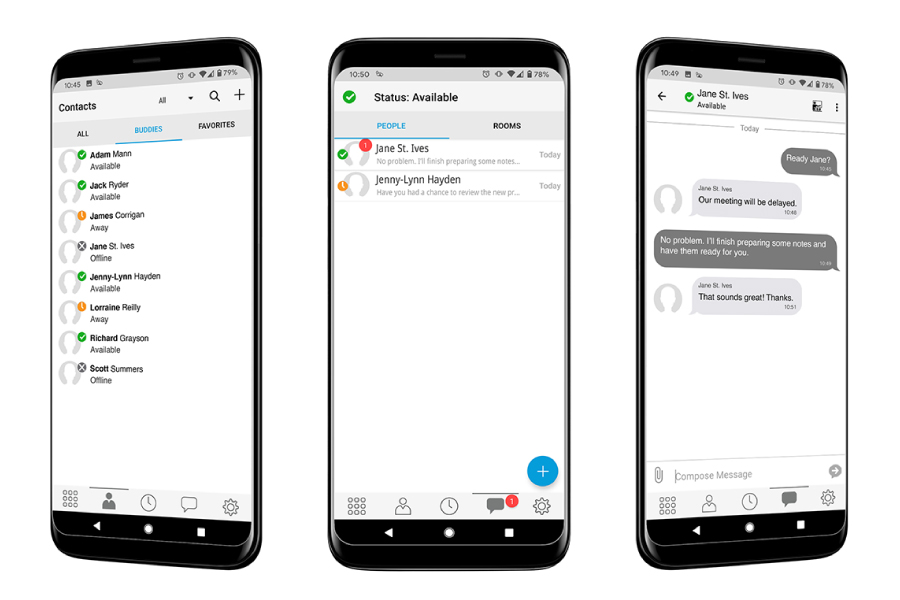
Instant Messaging & Group Chats
Avoid strings of email chains by quickly communicating 1-on-1 with colleagues using SolSwitch Connect's instant messaging.
Start a private or public channel-based chat room and make everyday work conversations effortless.
DIRECTORY
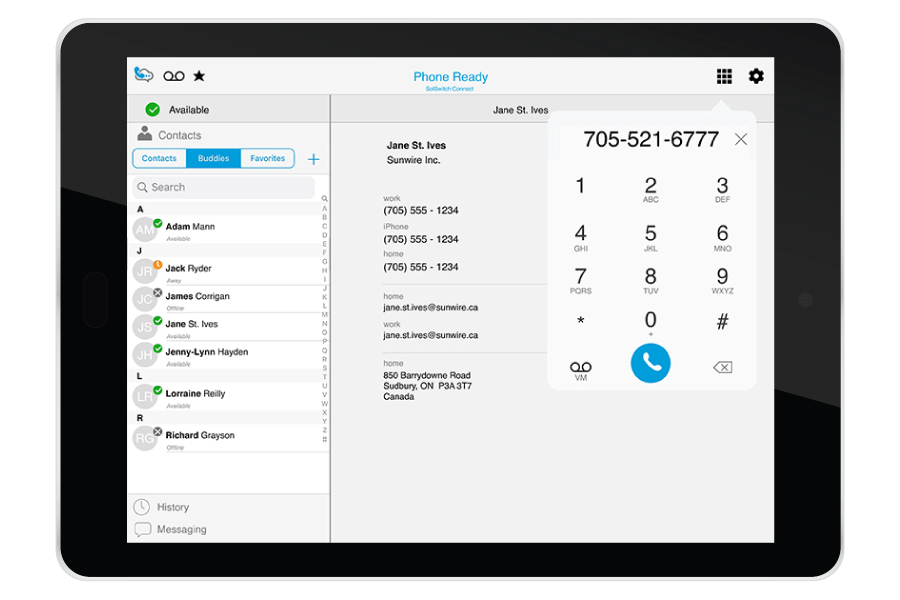
Real-time Live Presence
Your directory shows your contacts' availability with their status and click-to-call functionality.
Quickly see who is online and available, away, offline and/or available for call transfers.
CONTACTS
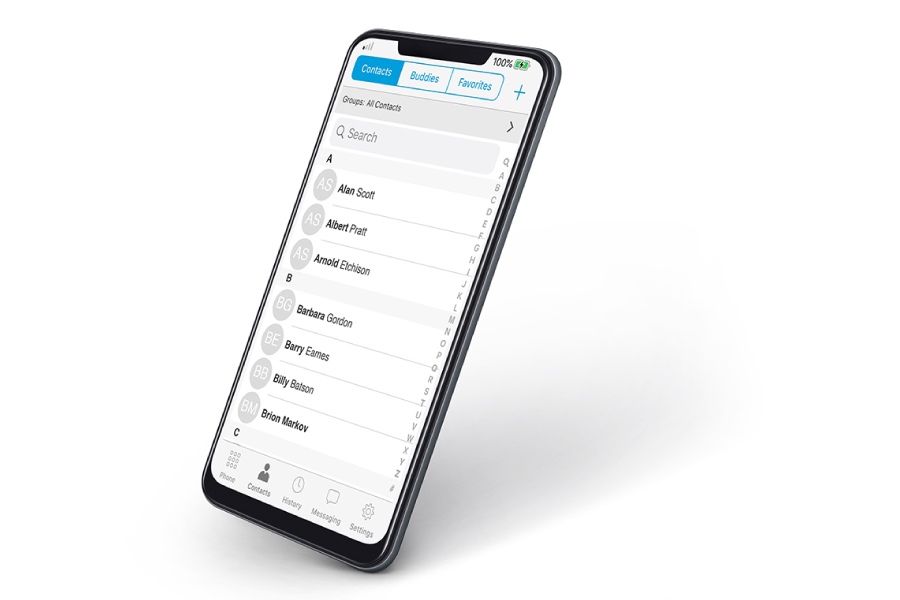
Contact Importing
Bring all of your contacts into SolSwitch Connect from your desktop software or mobile device.
- LDAP & Active Directory
- Microsoft Outlook (Windows only)
- Mac Address Book
Corporate contact directories are managed by your phone system's administrator.
INTEGRATION
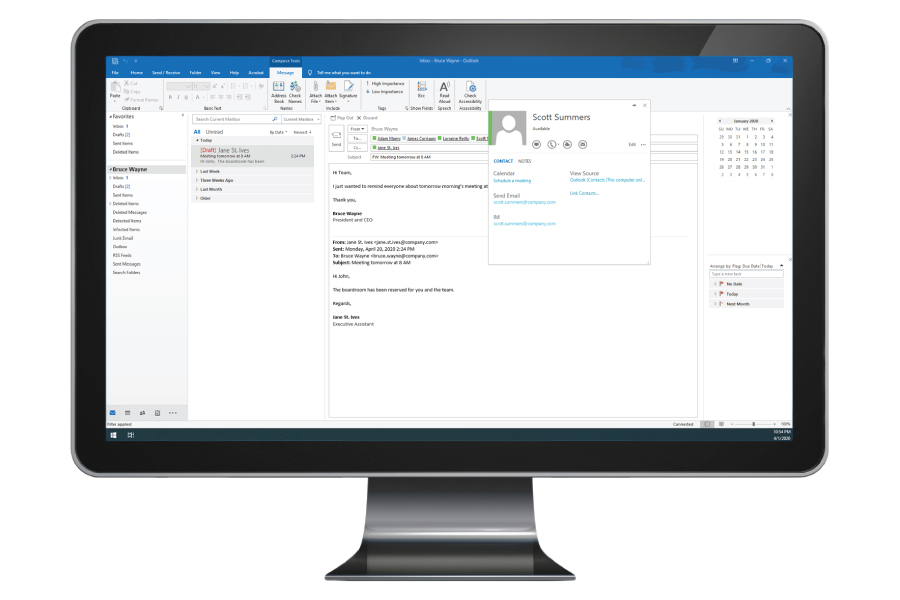
Microsoft Outlook Integration
SolSwitch Connect's Outlook integration lets users see a contact's presence before reaching out.
Quickly see a contact's status, send them an IM, make a phone call or start a video call - right from Outlook.
Frequently Asked Questions
A softphone is a software application that lets you make and receive telephone calls over the internet using a computer, tablet, or smartphone. It uses Voice over Internet Protocol (VoIP) to convert your voice into digital signals, so you can communicate without traditional telephone hardware. Softphones offer a familiar interface - keypad, contact list, voicemail and call history - and are popular with businesses for their cost efficiency and flexibility, letting employees work from any location with an internet connection.
Setup is quick. Install the SolSwitch Connect app on your device - computer, tablet or smartphone - then log in with the account credentials provided by your Sunwire representative. Make sure you have a stable internet connection and a working microphone and speaker or headset, and you're ready to start calling.
Your SSC login credentials and server details are provided by a Sunwire representative once your account is configured.
Yes - you get access to both the mobile and desktop versions of SSC. The mobile app is compatible with iOS and Android devices, and the desktop app runs on both Mac and Windows.
Yes. You can use wired or Bluetooth headsets with SolSwitch Connect.
Android: Android 10.0 or higher. Supports Android smartphones, tablets, and Chromebooks. To run the Android app, Chromebooks need ChromeOS 53 or higher and must be a model supported by Google Play Services - keep ChromeOS up to date.
Apple: iOS 15 or higher. Supports iPhones, iPods and iPads that run the required OS version.
Desktop Systems: See the table below for full requirements.
| Component | Requirement |
|---|---|
| Processor | Minimum: Single-core 2GHz or higher Recommended: Dual-core 2GHz or higher |
| Memory | Minimum: 4GB RAM Recommended: 8 GB RAM and above |
| Hard Disk Space | 400 MB (install/upgrade, 200 MB operation) |
| Operating System |
Microsoft Windows 10 (Fall Creators Update or newer required) Microsoft Windows 11, including version 23H2 Microsoft .Net 4.8 for Windows MSI install macOS 12 (Monterey) macOS 13 (Ventura) macOS 14 (Sonoma) |
| Connection | IP network connection (broadband, LAN, wireless); constant internet connection |
| Audio Device | Full duplex, 16-bit or USB headset |
WE'RE EASY TO REACH
Contact Us
Call, text or email below.
Call or Email
Visit Us
850 Barrydowne Road
Sudbury, ON
P3A 3T7